Best Portable Charger for Android: Beginner Checklist
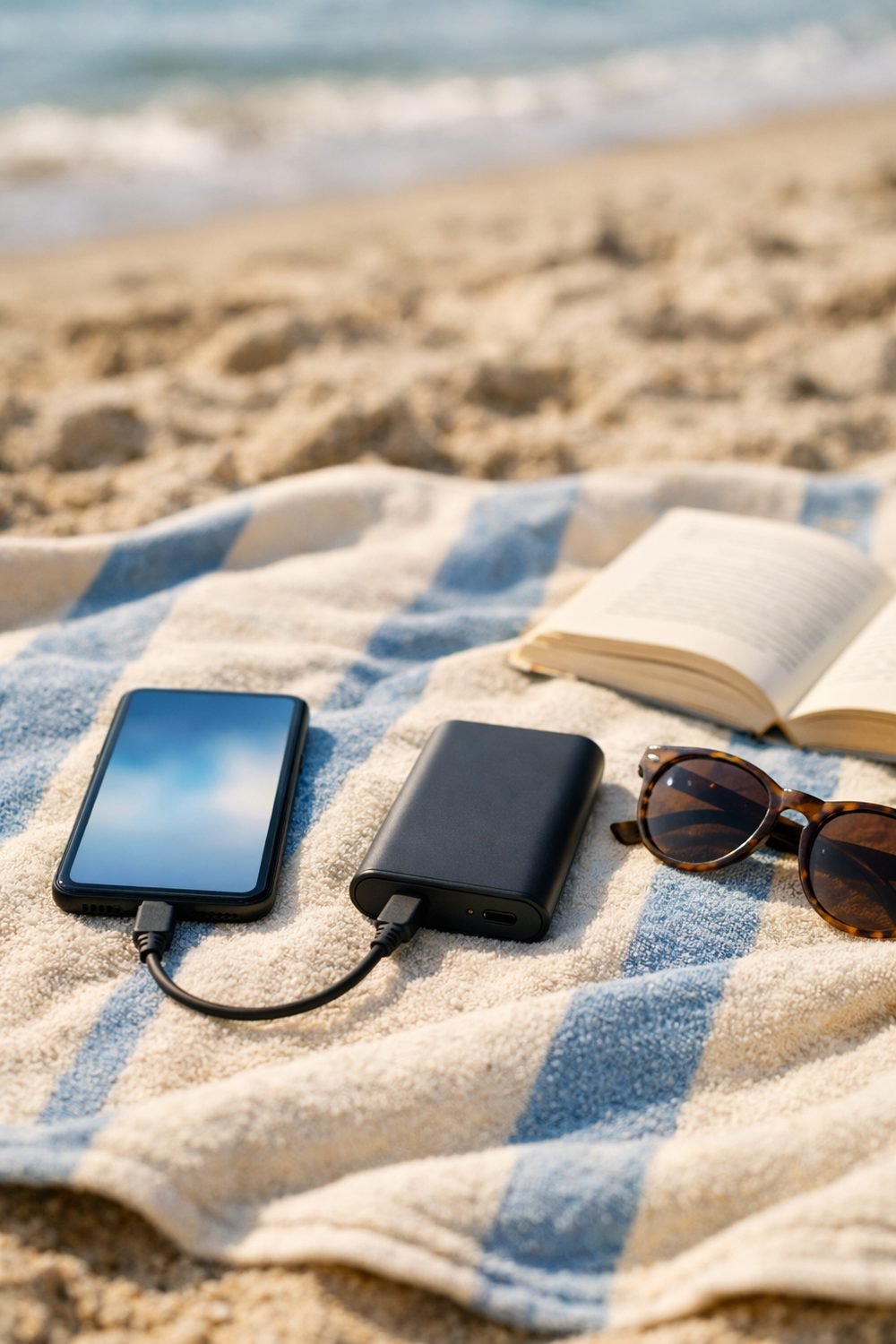
A common first mistake is grabbing a cheap brick from a gas station before a trip. It had the wrong port, charged my phone at a crawl, and weighed about as much as a paperback. Carrying it for a few days and using it only a couple of times is a good way to see whether it fits your routine. If you have an Android phone and want the best portable charger for Android without repeating that mistake, this checklist is for you.
None of this is complicated. You just need to know what to look at on the box or the product page, and what you can safely ignore. Here's what I check now before I buy one.
Short on time? Our top picks: Anker, INIU, Baseus and Belkin. See all picks
1. Start With the Ports on Your Portable Charger for Android
Most newer Android phones use USB-C, so a USB-C portable charger is usually the easiest match. Some older ones still use micro-USB, the small flat plug that only goes in one way. Flip your phone over and look before you shop. It takes five seconds and saves a return.
Then look at the charger itself. A good setup for most people is a power bank with at least one USB-C port that can both charge your phone and refill the power bank. Some also have a USB-A port, the older rectangle one, which is handy if a friend has an older cable, and brands like Anker offer models with different port mixes.
Tip: Count the devices you actually charge on a travel day. If it's just your phone, one or two ports is plenty. If you also charge earbuds or a tablet, two ports means less juggling at the airport gate.
2. Read the Capacity Number Carefully
Capacity is listed in mAh, which stands for milliamp-hours. Bigger numbers mean more stored power. That part is simple. What trips people up is thinking a 10,000 mAh bank will fill a 5,000 mAh phone exactly twice. It usually won't, because some energy gets lost as heat and in the conversion.
So treat the number as a rough guide, not a promise. Check your phone's battery size in its settings or on the maker's page, then compare. If the seller lists an estimated number of charges for phones, read it, but expect real life to be a bit less.
Tip: For the best portable charger for travel on a weekend away, I've found a mid-size bank works fine. For a long trip with lots of photos and maps, I'd go bigger. Honestly, the huge ones are overrated for most people, since you end up hauling extra weight you never use.
3. Match the Charging Speed of a Portable Phone Charger for Android
This is where the marketing gets loud. You'll see terms like "fast charging," "PD," and big watt numbers. Here's the short version: USB Power Delivery (PD) is a common fast-charging standard over USB-C, and many Android phones support it. Some brands also have their own fast-charging systems that only work at full speed with their own gear.
Your phone can only take what it's built to take. A super fast power bank won't make a slower phone charge faster. On the other hand, a slow bank can make a fast phone feel sluggish. Look up your phone's charging specs on the maker's site, then pick a bank that supports the same standard.
Tip: Don't forget the cable, and remember that brands such as Baseus sell replacement cables too. A cheap or old cable can quietly hold back your speed. If your phone charges fast at home but slow from the power bank, swap the cable first before blaming the bank.
4. Pick a Small Portable Charger You Can Carry Comfortably
It helps to picture where the charger will live. A jacket pocket? A small crossbody bag? The bottom of a backpack? A bank that's fine on a desk can feel like a brick after a full day of walking around a new city.
The weight is usually listed on the product page in grams or ounces. Compare it to something you already carry, like your phone. If the bank weighs a lot more than your phone, ask yourself if you really need that much power.
Tip: A slim portable charger slides into bags more easily than chunky square ones, even at the same weight. If you can, hold one in a store before buying online.
5. Check Airline Rules for Your Portable Charger Before You Pack
Power banks almost always go in your carry-on, not your checked bag. That's because of the lithium batteries inside. Many airlines also have limits on battery size, and some ask that the bank be stored a certain way or not used during the flight.
Rules can change and they differ by airline and country, so I won't list numbers here. Look at your airline's website before you fly, and check that the capacity is clearly printed on the bank. Security staff may want to see it, and a worn-off label can cause a hassle.
Tip: Pack the charger somewhere easy to reach in your carry-on, like an outside pocket. If you're still sorting out which bag to bring, the Carry-On Luggage Buyer's Guide and Comparison Sheets below this post can help you think through pocket layout and size.
If you like having a simple plan before a trip, you can grab my free Vacation Countdown Checklist and 1-Day Itinerary Page by joining the email list.
6. Look for Basic Safety Features
You don't need to be an expert here. Most decent power banks mention protection against overcharging, overheating, and short circuits. If a product page says nothing at all about safety, I take that as a small warning sign.
Look for safety certification marks listed by the seller, and read reviews for any mention of the bank getting very hot or swelling. One odd review isn't a big deal. A pattern of them is.
Tip: If a power bank ever swells, smells strange, or gets too hot to hold, stop using it. Check the maker's instructions for safe disposal rather than tossing it in the trash.
7. Notice the Small Extras (and Skip the Gimmicks)
Some extras are actually useful. A little display or set of lights showing how much charge is left is one I like, because I hate guessing. Pass-through charging, where the bank charges your phone while it's plugged into the wall, can be nice in a hotel with only one outlet. Check that the seller says it supports this.
Other extras I'd skip. Built-in flashlights are rarely bright enough to matter. Fancy shapes look fun but don't fit well in bags. A portable wireless charger sounds great, but it's often slower and warmer than a plain cable.
Tip: Make a short list of the two or three features you'd really use, and ignore the rest. It keeps you from paying more for things that sit in a drawer.
8. Read the Return Terms Before You Click Buy
This one is boring, but it's saved me more than once. Check how many days you have to return it, whether opened items can be sent back, and who pays for return shipping. Some sellers also list a warranty, so note how long it lasts and what it covers.
Test your charger as soon as it arrives. Charge it fully, then use it to charge your phone at home. If something feels off, you'll still be inside the return window instead of finding out at an airport.
Tip: Keep the box and receipt until after your first trip. You can keep it in a folder with other travel items so it is easy to find fast.
Portable Chargers Worth a Look
Here are some well-known power bank brands to start your search. Use the checklist above to match each one to your phone and your trip.
Anker
Anker makes a wide range of power banks, from slim pocket sizes to larger travel models. It suits shoppers who want lots of choices in one place. Check the port types and the capacity printed on the specific model, since the lineup is big.
INIU
INIU focuses on simple, everyday power banks and often suits first-time buyers who just want a straightforward option. Look at which models have USB-C and whether the fast-charging standard matches your phone.
Baseus
Baseus sells power banks along with cables and other charging gear, which is handy if you need to replace an old cable too. Check the weight and size of the model before you buy, since styles vary a lot.
Belkin
Belkin is a familiar name in phone accessories and offers power banks for travel. It may suit people who like buying from a brand they already know. Confirm the ports and charging speed fit your Android phone.
Samsung
Samsung sells its own battery packs, which can make sense if you own a Samsung phone. Check which fast-charging features work with your exact phone model before choosing.
UGREEN
UGREEN offers power banks, chargers and cables for everyday use. It could suit someone building a small charging kit for trips. Read the specs for each model, especially the output of the USB-C port.
Mophie
Mophie makes portable chargers with a focus on neat, compact designs. It may appeal if you care about how a charger looks and fits in a bag. Check that the connectors and charging standard work with your Android phone.
Check current plans and prices on each brand's own site before you decide.
FAQ
Can I use any power bank with my Android phone?
Most power banks will charge most Android phones if you have the right cable. The difference is usually speed. Check that the bank supports the same fast-charging standard as your phone if speed matters to you.
Is it okay to leave my phone charging from a power bank overnight?
Many people do, and most phones stop drawing power when full. Still, it's best to follow your phone maker's and the bank maker's guidance. Keep it on a hard surface, not under a pillow.
How do I know if my power bank is allowed on a plane?
Look at your airline's website for their battery rules, since they vary. Make sure the capacity is printed clearly on the bank itself. When in doubt, ask the airline directly before your flight.
Do I need a really big portable charger for travel?
Not usually. For a lot of trips, a mid-size bank covers a day or two of heavy phone use. Bigger ones are heavier and may run into airline limits, so only go large if you really need it.
Your Next Step
Before you shop, flip your phone over, check the port, and look up its charging type. That alone will narrow your choices a lot. Then, if you want help getting the rest of your trip in order, join the email list for the free Vacation Countdown Checklist and 1-Day Itinerary Page. After that, take a look at the Trip Planner and Packing Checklist Bundle below this post. It's a handy spot to write down your charger, cables, and everything else so nothing gets left on the nightstand.
Printables and tools that can help
Carry-On Luggage Buyer's Guide and Comparison Sheets
A printable guide and comparison sheets to write down what matters to you before you look at any seller...
See detailsTrip Planner and Packing Checklist Bundle
A printable bundle with a 30-day goal page, weekly planner and checklists for frequent travelers and...
See details