Best Laptop Backpack: What to Check Before You Choose
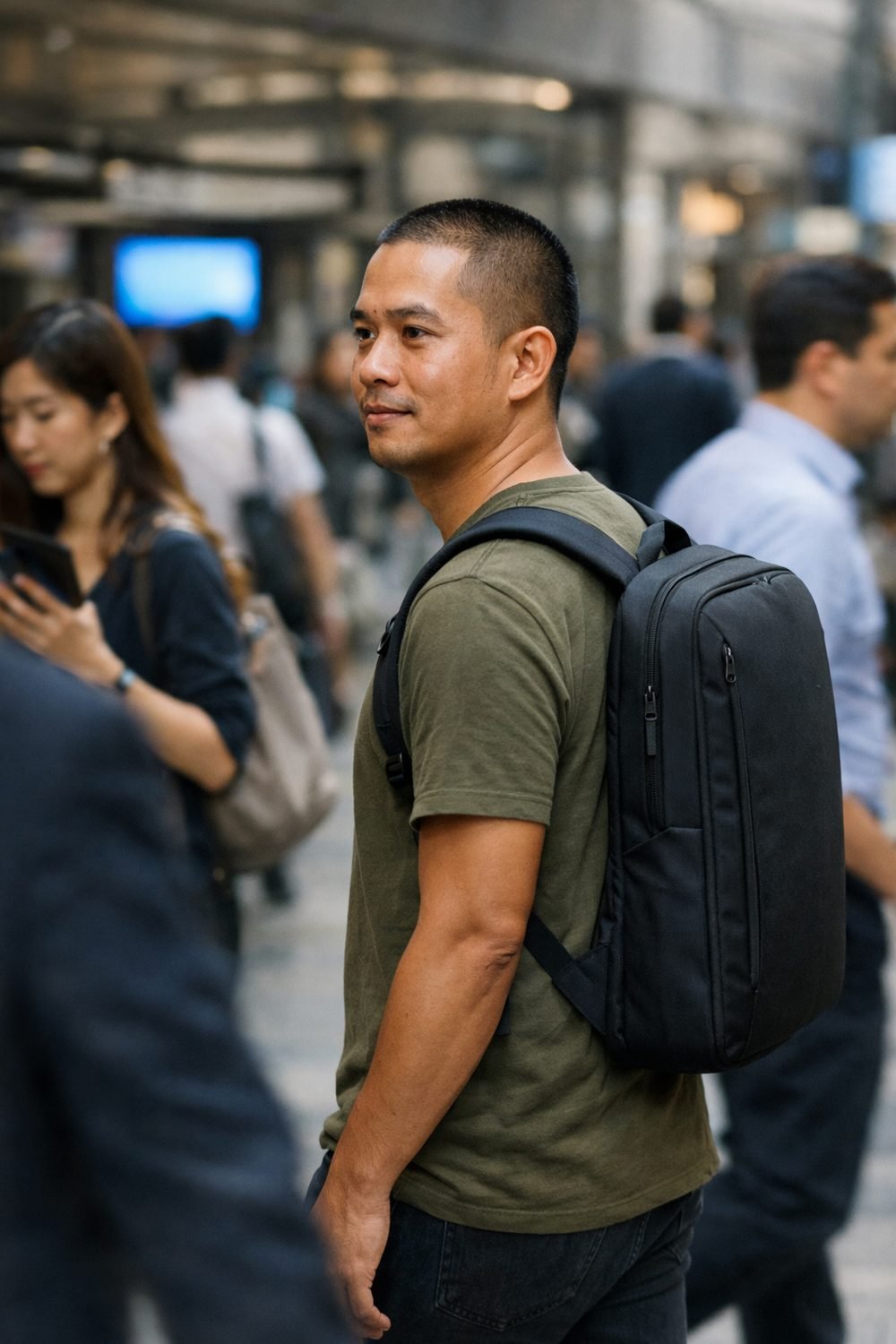
What makes the best laptop backpack is often learned the hard way. A cheap bag can look fine in the store and still fail in daily use. Then the zipper split on a train platform and my charger fell onto the tracks. Since then, I check a few things before I buy, and I've stopped trusting good photos on their own.
This list covers what I look at now, whether it's a laptop backpack for women or for men. It isn't a ranking of brands. It's the checklist I wish I'd had, so you can judge any bag you're thinking about, cheap or pricey.
Short on time? Our top picks: Osprey, Thule, Peak Design and Incase. See all picks
1. A Backpack with Laptop Sleeve That Actually Fits Your Laptop
This sounds obvious, but it trips people up all the time. A bag that says "fits 15-inch laptops" might mean screen size, not the real outside size of the machine. Some 15-inch laptops are wider or thicker than others, and a gaming laptop can be a lot chunkier than a thin one.
Measure your laptop with a ruler or tape measure: length, width and thickness. Then compare that to the sleeve size on the seller's page, if they list it. If they only give a screen size, I'd be a little wary.
Tip: Write your laptop's measurements in your phone's notes app. You'll use them again for sleeves, cases and travel bags.
2. Padding Where Drops Really Happen in a Slim Laptop Backpack
Most bags have some padding on the sides of the laptop sleeve. That part is easy. What gets skipped is the bottom. When you set a backpack down, it lands on its base, and that's where your laptop's corners take the hit.
Look for a small laptop backpack or larger one with a sleeve that stops a bit above the bottom, so the laptop hangs and doesn't touch the floor. That's sometimes called a "false bottom." A padded base works too.
You can skip bags where the laptop slot is just a thin fabric divider. It keeps things sorted, but it won't do much if you drop the bag on a hard floor.
Tip: In a store, slide your hand into the sleeve and press on the bottom. If you feel the floor of the bag right away, there's not much between your laptop and the ground.
3. Straps That Don't Dig Into Your Shoulders
A laptop, charger, water bottle and lunch add up fast. Thin straps turn that weight into sore shoulders by the end of the day. Padded straps spread it out, and curved ones tend to sit better than flat ones.
A chest strap might seem silly at first. It can make long walks through airports much more comfortable. It keeps the straps from sliding off and takes some pressure off your shoulders. A hip belt is nice on bigger bags like those from Osprey, but for daily use I find it overrated. Most people tuck it away and forget it.
Tip: Try the bag on with something heavy inside, like a few books. An empty bag always feels comfy.
4. A Back Panel You Can Live With
The side touching your back matters more than you'd think, especially in summer. Some bags have mesh or ridged foam to let air move. Others are just flat fabric, and you'll feel it after a sweaty walk.
Some back panels, on bags from brands like Samsonite, also have a sleeve so the bag can slide over a suitcase handle. If you want a backpack for laptop and travel, this is one of the most useful features out there. You stop carrying the bag at all once you're rolling through the terminal.
Tip: If you already have a carry-on, check that the luggage strap is wide enough for your suitcase's handle. The Carry-On Luggage Buyer's Guide and Comparison Sheets below this post can help if you're picking both at once.
5. Pockets That Match How You Actually Pack for Work
Pockets are where stylish laptop backpacks try to impress you. Twenty little slots look great in a photo. In real life, most people use only about five. Too many pockets can make things harder to find, not easier.
Here's what I actually reach for:
- A small top pocket for keys, earbuds and lip balm
- A spot for the charger that isn't squashed against the laptop
- A side pocket that holds a water bottle without it falling out
- A front pocket for papers, a passport or a boarding pass
Think about what's in your bag on a normal day and picture where each thing would go. If you can't place your stuff, the layout probably isn't for you.
Tip: Side bottle pockets vary a lot. If you carry a wide bottle, check that the pocket stretches or is deep enough.
6. Zippers and Seams That Look Like They'll Last
A bag failing on a train platform can come down to one weak zipper. Since then, I pay attention to them. Bigger zipper teeth usually feel sturdier than tiny ones, and the pull should move smoothly without catching on the fabric.
Check the seams too, especially where the straps attach to the bag. That spot carries all the weight. Loose threads or thin stitching there are a warning sign.
Tip: Zip the main compartment open and closed a few times, including around the corners. If it snags now, it'll snag more later.
By the way, if you've got a trip coming up, you can grab my free Vacation Countdown Checklist and 1-Day Itinerary Page by joining the email list.
7. The Bag's Own Weight
An empty backpack might seem light, but every bit adds to your load. Big padded bags with lots of hardware can be surprisingly heavy before you put anything in them.
Look for the listed weight on the product page. Not every seller includes it, and when they don't, I find that a little annoying. Compare two or three bags you like and see if one is noticeably heavier for no clear reason.
If you fly with airlines that weigh personal items, a lighter bag leaves you more room for what you need. Check your airline's rules for sizes and limits, since they differ.
Tip: Weigh your current bag on a bathroom scale (weigh yourself, then weigh yourself holding it). It gives you a real number to compare against.
8. Rain and Spill Protection in a Waterproof Laptop Backpack
You don't need a fully waterproof bag for most days. But getting caught in a downpour with a laptop inside is stressful. Water-resistant fabric or a coated base helps a lot with light rain and wet floors.
Be careful with words like "waterproof" in listings. Read the details and see what the seller actually says it handles. A bag can resist drizzle and still soak through in heavy rain, especially at the zippers.
Tip: Keep a cheap plastic bag folded in a pocket. On really wet days, slip your laptop inside before it goes in the sleeve.
9. Return Terms Before You Click Buy
This is the boring one, and I almost skipped it the last time. You can't really know if a bag works until you've packed it and worn it for an hour. A fair return window gives you time to do that.
Read the seller's return policy on their page. Look at how many days you get, whether you pay for return shipping, and whether the bag has to be unused. Some places won't take it back once the tags are off.
Tip: Test the bag at home first, with tags still on. Pack your normal stuff and walk around the house or the block. Then decide.
Laptop Backpack Brands Worth Looking At
These are well-known bags to compare against the checklist above. These are not ranked, just names that are easy to find and read up on.
Osprey
Suits people who walk a lot or want comfortable straps and back panels on a travel-friendly pack. Check that the specific model's laptop sleeve matches your laptop's measurements, since sizes vary by model.
Thule
A good fit for commuters who want a structured bag with protective laptop storage. Look closely at the model's listed dimensions and weight, as some structured bags run heavier.
Peak Design
Suits travelers and photographers who like organized, tidy layouts. Check whether the pocket layout fits how you really pack, because some designs are built around camera gear.
Incase
Worth a look if you carry a thin laptop and want a clean, simple look for work or school. Confirm the sleeve fits your exact machine and see how much padding the base has.
Samsonite
Suits people who want a backpack that pairs with a carry-on suitcase. Check whether the model has a luggage pass-through strap and whether it fits your suitcase handle.
Targus
A familiar choice if you want a wide range of laptop bags to compare across sizes and styles. Because the range is broad, read each model's details on its own page rather than assuming they match.
Herschel
Suits people who care about a casual, stylish look for daily use. Check the laptop sleeve size and strap padding, as style-focused bags can differ on comfort.
Check current plans and prices on each brand's own site before you buy.
FAQ
Do I need a backpack made only for laptops?
Not always. A regular backpack can work if you add a padded laptop sleeve inside. A dedicated laptop bag just makes it easier because the protection is built in.
Is a bigger backpack laptop bag better for travel?
Not really. Bigger bags tempt you to overpack, and they may not fit airline size limits for personal items. Pick a size that holds what you carry on a normal day plus a little extra.
How can I tell if a backpack will be comfortable?
Try it on with weight inside if you can. Look for padded straps, a chest strap and a back panel that doesn't trap heat. If you're buying online, a good return window lets you test it at home.
Should I trust "anti-theft" features?
Hidden zippers and back pockets can make it harder for someone to reach in quickly. They aren't magic, though. Treat them as a nice extra, not the main reason to buy a bag.
If you've got a trip coming up, start by grabbing the free Vacation Countdown Checklist and 1-Day Itinerary Page when you join the email list. Then, if you want help planning what goes in that new backpack, take a look at the Trip Planner and Packing Checklist Bundle and the other guides below this post.
Printables and tools that can help
Carry-On Luggage Buyer's Guide and Comparison Sheets
A printable guide and comparison sheets to write down what matters to you before you look at any seller...
See detailsTrip Planner and Packing Checklist Bundle
A printable bundle with a 30-day goal page, weekly planner and checklists for frequent travelers and...
See details