Best Battery Pack: Features Compared Side by Side
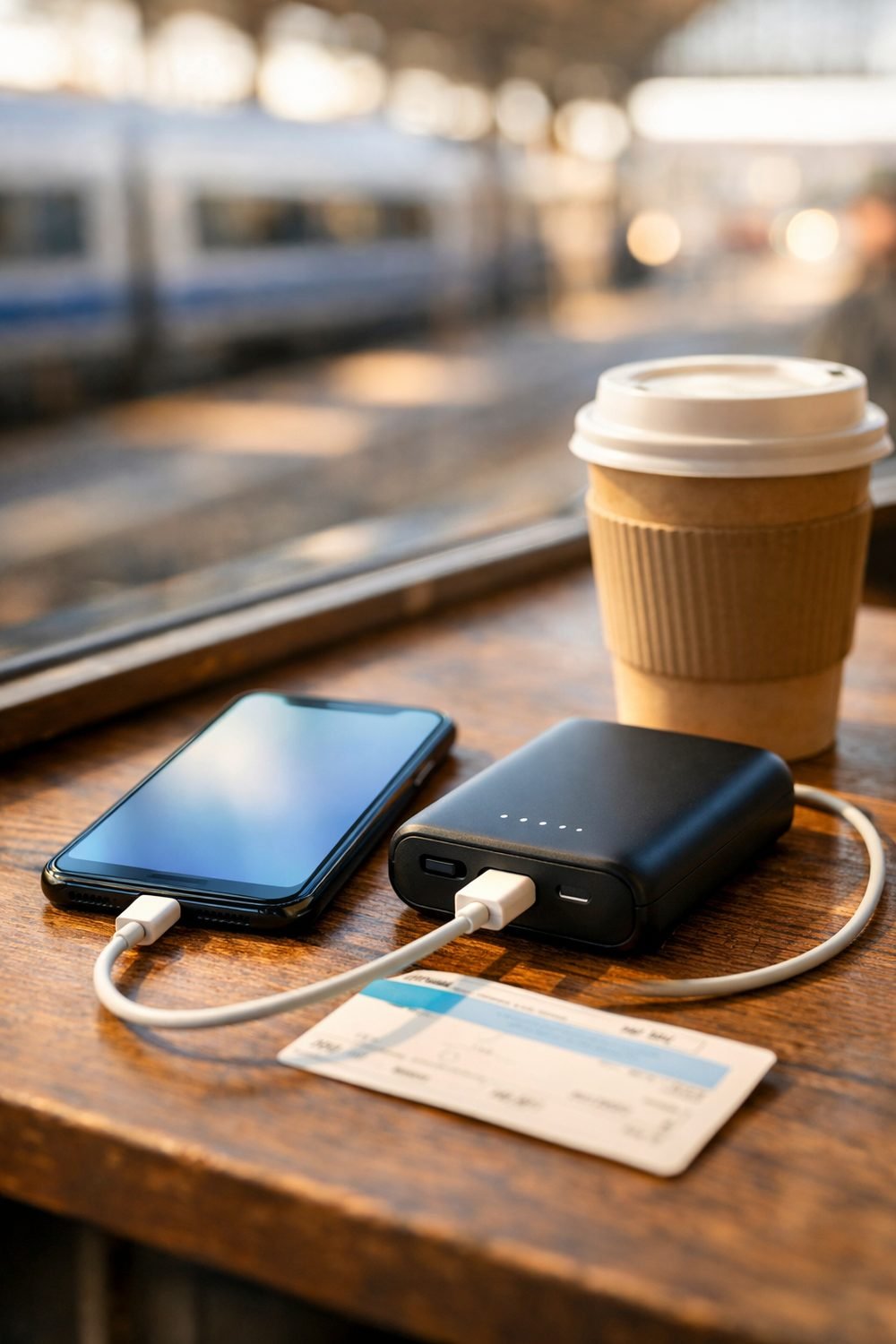
Many people only start caring about finding the best battery pack after a bad experience. Picture being in a train station with 4% on your phone, your e-ticket on that phone, and a "slim" portable battery pack in your bag that turns out to be nearly empty and painfully slow. You might avoid missing anything in that situation, but only if someone kindly lets you use an outlet.
Packs differ a lot on trips, and the box tells you plenty if you know what to look at. So instead of naming one model, I'll walk you through the features I compare side by side before I buy a phone battery pack. Once you know these, picking the right one for your own trips gets a lot easier.
Short on time? Our top picks: Anker, Belkin, INIU and UGREEN. See all picks
1. Capacity (the mAh number)
The big number on the box, listed in mAh, tells you how much charge the pack can hold. Bigger number, more charge. Simple enough. But here's the catch: you never get the full amount into your phone. Some energy is lost along the way as heat and conversion, so a pack will always charge your phone fewer times than the raw math suggests.
It isn't. A huge pack, like a larger EcoFlow unit, is heavy, and if you only need to get through a day of maps and photos, you'll carry dead weight around for nothing. For a weekend city trip or a battery pack for camping, I'd rather have a smaller pack I actually bring with me than a brick I leave behind.
Tip: Look up your phone's battery size on the maker's spec page, then compare it to the pack's listed mAh. That gives you a rough idea of how many top-ups you'll get, minus some loss.
2. Ports and how many devices your USB battery pack can charge
Most packs now have USB-C, and many still include a USB-A port too. USB-C is the one I care about most, because newer phones, tablets, earbuds and some laptops use it. If a pack only has USB-A, I usually pass on it now, so I check the port list on brands like Anker before buying.
Count the ports, too. Traveling with a partner or kids means everyone wants to charge at once, usually at the same airport gate. Two or three outputs can save a small argument. One thing I check: some packs slow down every port when you plug in more than one device. The product page sometimes mentions this, sometimes doesn't.
Tip: Check whether the USB-C port works both ways, meaning it charges your phone and also refills the pack. That way you can bring one cable instead of two.
3. Weight and size in your bag
This is the one people skip, and then regret. The listed weight might look small on a screen, but you feel it after a long day of walking with a daypack. It is easy to carry a big pack around all day and use it only once, so extra size and weight are worth weighing.
Shape matters as much as weight. A flat pack slides into a jacket pocket or the front of a bag. A thick, round one tends to roll around and take up space. If you travel carry-on only, every bit of space counts, and the pack has to share room with chargers, snacks and that sweater you always overpack.
Tip: Hold something at home with a similar listed weight, like a small bottle of water, and imagine carrying it all day. If it already feels annoying, size down.
If you're still figuring out what fits in a small bag, the Carry-On Luggage Buyer's Guide and Comparison Sheets below this post can help you compare bags the same way we're comparing packs here.
4. Airline rules for a portable battery pack
This is the part you really don't want to get wrong. Battery packs generally have to go in your carry-on, not your checked bag. Airlines treat spare lithium batteries this way because of fire risk, and gate agents do sometimes ask you to pull them out of a bag that's being checked at the gate.
There are also size limits, and they're usually based on watt-hours (Wh), not mAh. Many packs print the Wh number right on the case. If yours only shows mAh, you can estimate it: multiply the mAh by the battery voltage, then divide by 1,000. The rules differ between airlines and countries, so don't guess. Check your airline's own page before you fly, especially with a large pack.
Tip: Buy a pack that has the Wh rating printed clearly on the outside. If security has a question, you can just point at it instead of doing math in line.
5. Charging speed (both directions)
There are two speeds to look at. The first is how fast the pack charges your phone. The second is how fast the pack itself refills. People focus on the first and forget the second, and that's the one that bites you on a short overnight stay.
For output, you'll see labels like PD (Power Delivery) and a wattage number. Higher wattage can mean faster charging, but only if your phone and cable support it too. Your phone will only take what it's built for. For input, a pack that refills slowly can still be half empty in the morning if you plugged it in late.
Tip: Check the input wattage on the seller's page. If it's low and the pack is big, plan on charging it every chance you get, not just at night.
Quick side note: if you like having a simple plan before a trip, you can grab our free Vacation Countdown Checklist and 1-Day Itinerary Page from the sign-up box on this page.
6. Pass-through charging
Pass-through charging means the battery pack charger can fill your phone while the pack itself is plugged into the wall. It sounds minor. In a hotel room with one free outlet hidden behind the bed, it's lovely. You plug in the pack, plug your phone into the pack, and wake up with both topped off.
Not every pack supports this, and some sellers say it's not recommended for their model. It can be handy, but it is not worth paying a lot more for. If the listing doesn't mention it at all, assume it doesn't do it.
Tip: Search the product page or manual for "pass-through." If you can't find the phrase, contact the seller before buying.
7. Build, display and the little extras
Some packs have a small screen that shows the exact percentage left. Others just have four dots of light. The screen can be more useful than you might expect. Four dots make it hard to tell if you're at 30% or nearly done, and that guessing game is exactly what got me stuck in that train station.
Then there are extras like built-in cables, kickstands, wireless charging pads and even a battery pack with outlet. Built-in cables are nice until one frays, and then the whole pack feels half broken. Wireless charging on a pack is usually slower and wastes more energy, and a solar battery pack tends to refill slowly too, so honestly I'd skip both unless you really love them.
Tip: Look closely at photos of the casing and ports. A pack with a sturdy feel and covered or recessed ports tends to survive being tossed in a bag.
8. Return terms and warranty
Before you click buy, read the return policy. Battery packs are one of those things where you only find out if you like it after using it for a while. If it charges slowly, gets warm, or the ports feel loose, you want a way to send it back.
Look for how many days you have to return it, whether you pay shipping, and what the warranty covers, whether you buy from Belkin or any other brand. These terms vary a lot between sellers, so check the actual seller's page rather than assuming. If a pack ever swells, smells odd or gets hot, stop using it and follow the maker's guidance on safe disposal.
Tip: Test a new pack at home before your trip. Charge it fully, drain it into your phone, and see how it does. Finding problems on your couch is much better than at a bus stop.
Battery packs worth a look
These are well-known brands that make portable battery packs for travel. Use the features above to decide which style fits your trips.
Anker
A good starting point if you want a wide range of sizes, from slim packs to larger ones for long trips. Check the Wh rating on the specific model if you plan to fly with it.
Belkin
Suits people who want a simple, no-fuss pack from a familiar accessory brand. Check the port types and output on each model, since lineups differ.
INIU
Suits budget-minded travelers who want a basic pack for phone top-ups. Check the return terms and the listed input speed before you commit.
UGREEN
Suits travelers who like to carry one brand for chargers, cables and packs. Check whether the model has USB-C input and output and how it handles several devices at once.
EcoFlow
Suits campers and long trips who need something larger than a phone pack, such as a small power station. Check the weight and airline rules carefully, since larger units may not be allowed on a plane.
Mophie
Suits phone users who like a compact, pocket-friendly design. Check whether the model has the ports and charging speed your phone can actually use.
Check current plans and prices on each brand's own site before you buy.
FAQ
Can I put a battery pack in my checked luggage?
Generally, no. Spare lithium batteries are usually required to travel in your carry-on. Rules can change and differ by airline, so check your airline's page before you go.
What size battery pack do I need for a weekend trip?
It depends on your phone and how much you use it. Compare your phone's battery size to the pack's mAh and remember you won't get the full amount. Most people do fine with a mid-size pack for a weekend.
Does a higher wattage pack charge every phone faster?
Not always. Your phone and cable need to support that speed too. If they don't, the phone just charges at its own normal rate.
How do I keep my battery pack in good shape?
Avoid leaving it in a hot car or direct sun, and don't let it sit fully empty for months. For anything specific, follow the care notes from the maker.
Your next step to the best battery pack
Before your next trip, pick the two or three features that matter most to you and compare packs on just those. For me it's USB-C, weight and a clear Wh label. Then grab the free Vacation Countdown Checklist and 1-Day Itinerary Page from the sign-up box so your planning is in one place. And if you want a hand packing everything, including that battery pack, the Trip Planner and Packing Checklist Bundle below this post is a good place to start.
Printables and tools that can help
Carry-On Luggage Buyer's Guide and Comparison Sheets
A printable guide and comparison sheets to write down what matters to you before you look at any seller...
See detailsTrip Planner and Packing Checklist Bundle
A printable bundle with a 30-day goal page, weekly planner and checklists for frequent travelers and...
See details